
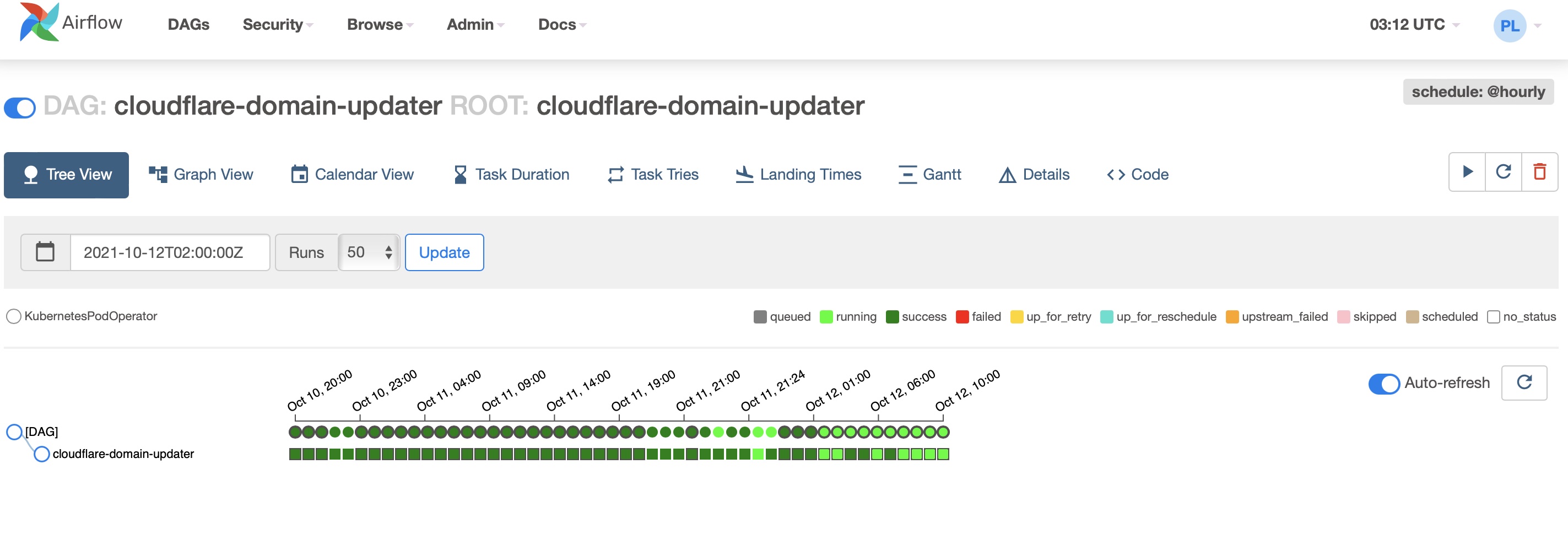
Apache Airflow runs as a GitOps-managed platform service in my home Kubernetes cluster. It orchestrates scheduled data work and operational workflows, while Kubernetes provides an isolated runtime for the scheduler, API server, Celery workers, triggerer, and their supporting services.
The deployment has two parts: public, reviewable Helm values live in Git; credentials and generated keys live in Vault. Argo CD is responsible for reconciling both parts in the correct order.
Deployment layout
The repository follows an app-of-apps pattern. A root Argo CD Application
reconciles child Applications from clusters/apps/; the Airflow resources are
split like this:
clusters/apps/airflow-secrets.yaml  ->  apps/airflow/ ExternalSecrets
clusters/apps/airflow.yaml          ->  Apache Airflow Helm chart + Git values
infra/airflow/                      ->  ingress and KubernetesPodOperator RBAC
airflow-secrets syncs in wave 5. It creates the airflow namespace,
the Vault-backed ClusterSecretStore, and the ExternalSecret objects.
The Helm Application syncs in wave 10, which expresses that the chart follows
the secret resources. Wave numbers alone do not prove that controller-generated
Secrets already exist. Confirm ExternalSecret readiness before allowing the
chart deployment to proceed.
# airflow Application shape
spec:
  sources:
    - repoURL: https://airflow.apache.org
      chart: airflow
      targetRevision: 1.22.0
      helm:
        releaseName: airflow
        valueFiles:
          - $values/apps/airflow/airflow-values.yaml
    - repoURL: <private Git repository>
      targetRevision: main
      ref: values
  destination:
    namespace: airflow
  syncPolicy:
    automated:
      prune: true
      selfHeal: true
Using a multi-source Application keeps the upstream chart and my cluster configuration independently visible. I pin the chart version rather than silently taking whichever chart version is current when Argo CD refreshes.
Runtime values in Git
The non-sensitive values file selects CeleryExecutor, disables example DAGs,
uses the Asia/Taipei UI timezone, and gives workers a bounded resource budget.
Logs, triggerer state, and Celery worker state use persistent volumes so a pod
reschedule does not discard operational data.
executor: CeleryExecutor

config:
  celery:
    worker_concurrency: 4

env:
  - name: AIRFLOW__CORE__LOAD_EXAMPLES
    value: "FALSE"
  - name: AIRFLOW__WEBSERVER__DEFAULT_UI_TIMEZONE
    value: Asia/Taipei

data:
  metadataSecretName: airflow-metadata
  brokerUrlSecretName: airflow-broker-url

fernetKeySecretName: airflow-fernet-key
apiSecretKeySecretName: airflow-api-secret-key
jwtSecretName: airflow-jwt-secret
webserverSecretKeySecretName: airflow-webserver-secret-key
The values reference Kubernetes Secret names, never their values. This lets the chart remain declarative without committing database URLs, signing keys, or passwords to Git.
Secrets from Vault
External Secrets Operator authenticates to Vault with its Kubernetes service
account. A ClusterSecretStore named vault-airflow reads one Vault KV v2
payload at secret/airflow/airflow-override; individual ExternalSecret
resources then template the Kubernetes Secrets consumed by the chart.
The generated Secrets include:
- Airflow fernet, API, JWT, and webserver signing keys
- metadata database and Celery broker connection strings
- the Redis password
- the optional default-user credentials
- the SSH key used by DAG Git sync
The related values share one Vault payload. ESO turns them into separate Kubernetes Secrets so each Helm value references the Secret it needs. The Vault policy grants the External Secrets role read-only access to the Airflow path only.
DAG delivery
DAGs are synchronized from a private Git repository by the chart’s gitSync
sidecar. The repository address, branch, and verified SSH host key are part of
the ordinary values file; the private key is supplied by airflow-ssh-secret.
dags:
  gitSync:
    enabled: true
    repo: ssh://git@<git-host>:<port>/data/airflow-dag.git
    branch: main
    sshKeySecret: airflow-ssh-secret
    knownHosts: |
      <verified Git SSH host key>
I keep host-key verification enabled. If a Git server key changes, I verify
the new fingerprint before updating knownHosts; disabling verification would
turn a small deployment issue into a supply-chain risk.
KubernetesPodOperator permissions
Some DAGs create short-lived Pods with KubernetesPodOperator. The Airflow
worker service account has a namespaced Role in airflow for Pods, Pod logs,
Pod status, and Events. Cross-namespace work is opt-in: a reusable
ClusterRole defines the permissions, but each destination namespace receives
its own RoleBinding for airflow-worker.
That means a new DAG target is not automatically cluster-wide. I add one RoleBinding in the intended namespace, review it, and leave all other namespaces inaccessible.
Database migration and access
The migration Job is visible to Argo CD through a Sync hook rather than a
Helm-only hook, so its result is visible during the Application sync.
The chart is also configured to support a default-user Secret, although the
user-creation Job is currently disabled; credentials remain in Vault either
way.
An NGINX Ingress routes the Airflow hostname to the chart’s API server Service.
Ingress configuration and RBAC live separately under infra/airflow/, keeping
the Helm release values focused on the application itself.
Validation
After changing the deployment, I first verify that secret reconciliation finished, then inspect the chart workload and migration Job:
kubectl -n airflow get externalsecret
kubectl -n airflow get secret \
  airflow-fernet-key \
  airflow-api-secret-key \
  airflow-jwt-secret \
  airflow-metadata \
  airflow-broker-url \
  airflow-redis-password \
  airflow-webserver-secret-key \
  airflow-ssh-secret

kubectl -n airflow get pods,jobs,ingress
kubectl -n airflow logs job/airflow-run-airflow-migrations --tail=120
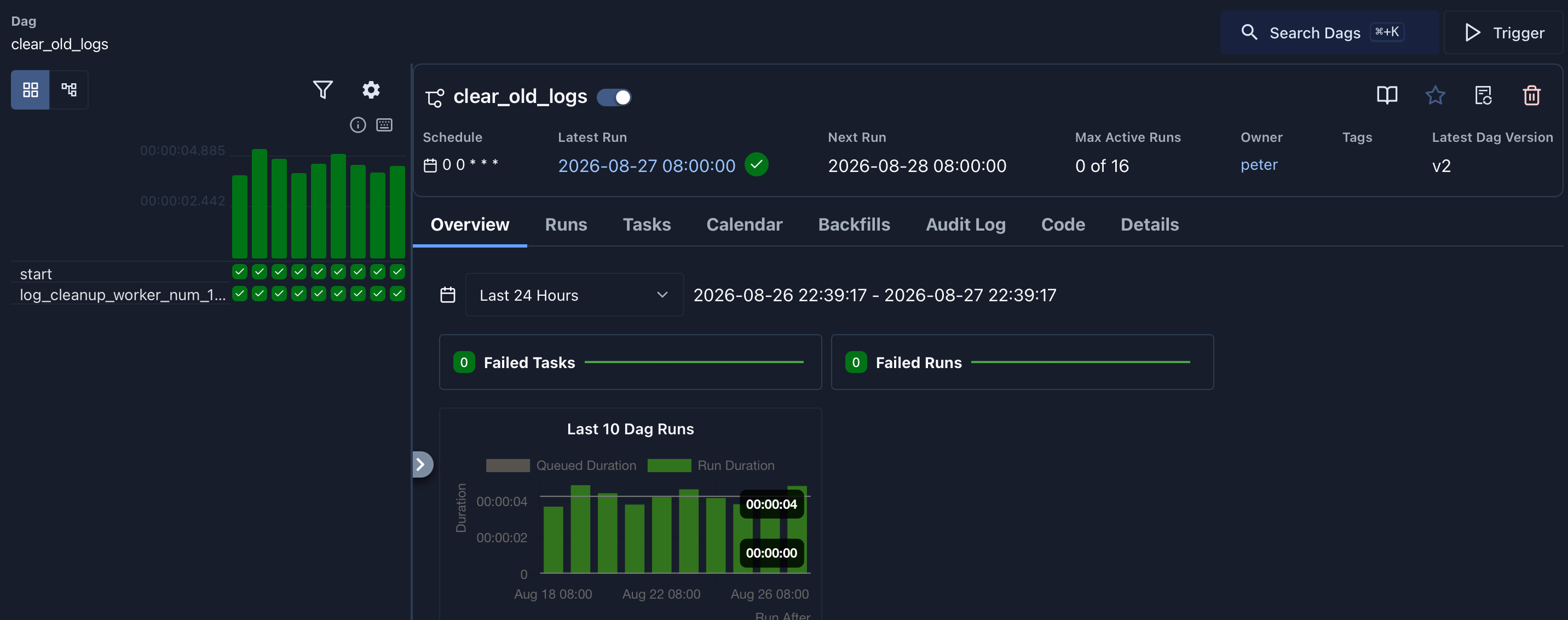
The Airflow overview shows the Git-synchronized clear_old_logs DAG enabled, with recent successful runs and no failed tasks or runs in the selected period.
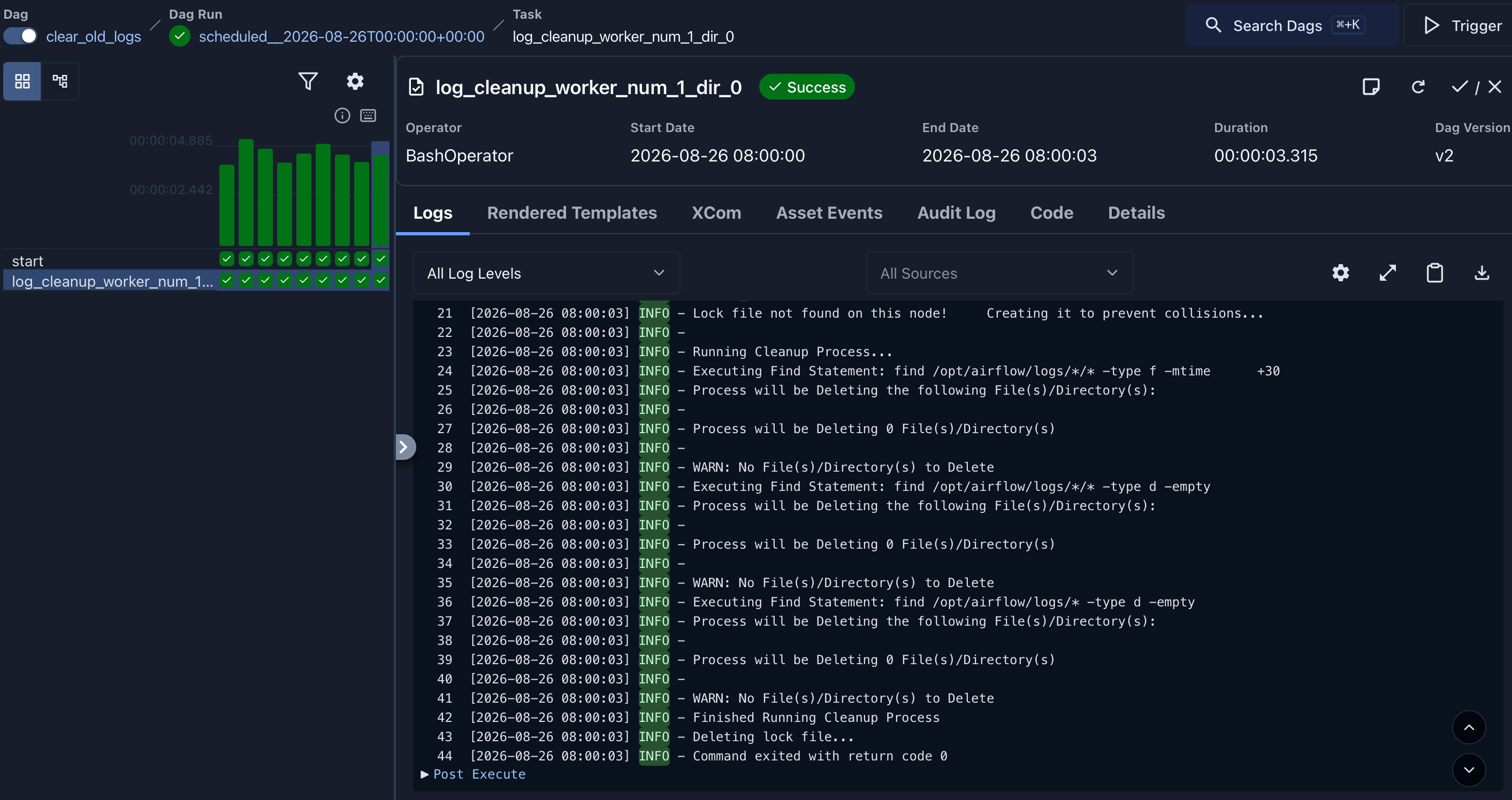
The task detail confirms the BashOperator completed successfully. Its execution log records the cleanup process and a zero exit code.
The important operational rule is to restore existing Secret values before migrating a manually installed Helm release into Argo CD. Replacing fernet or webserver keys during the migration can invalidate encrypted variables, sessions, and existing configuration.